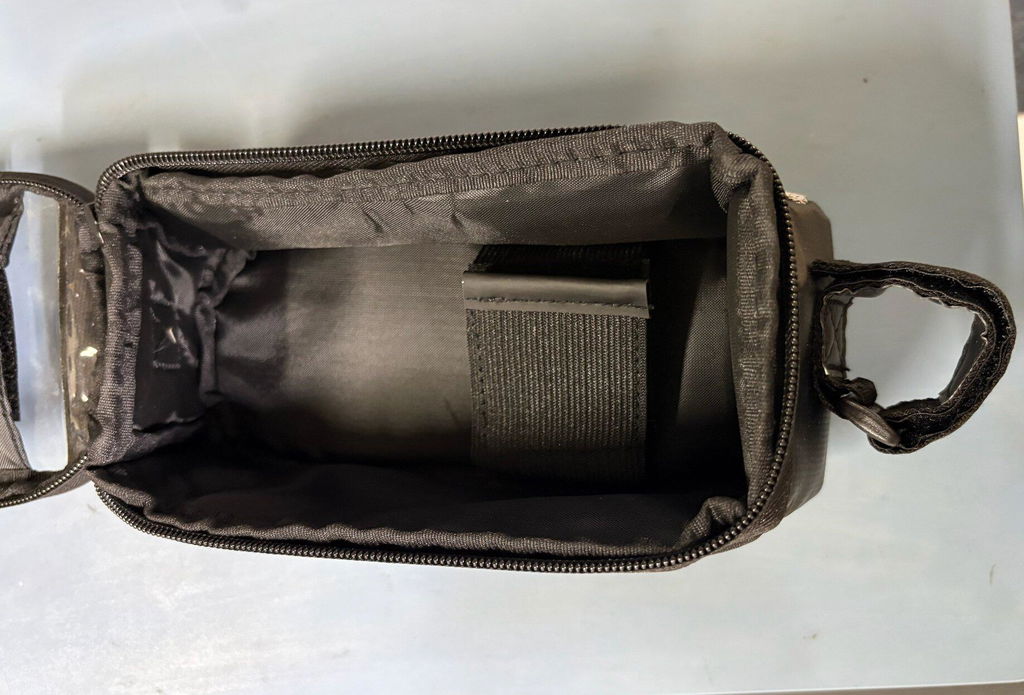
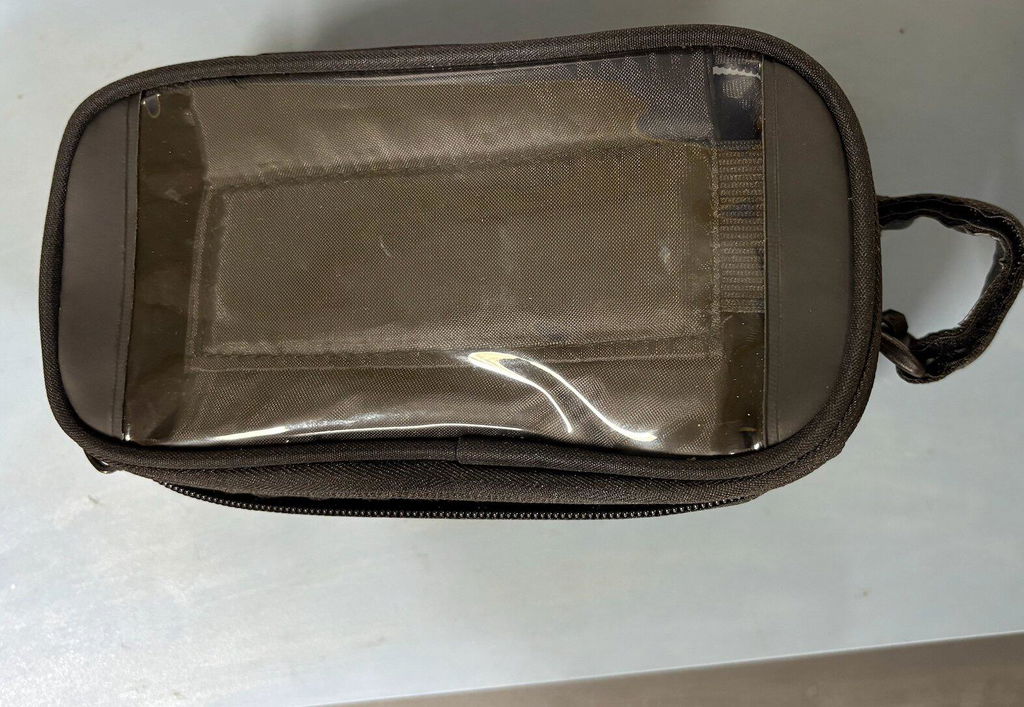
Pathfinder Top Tube Frame Bag With Phone Screen Window
Pathfinder Top Tube Frame Bag With Phone Screen Window
Couldn't load pickup availability
Fishing your phone out of a jersey pocket at every junction to check directions is the quickest way to lose your rhythm on a ride — and a real hazard in city traffic. The NAC Pathfinder Top Tube Frame Bag solves it completely. Its built-in touchscreen-compatible phone window positions your phone directly in front of you on the top tube, so your navigation screen is visible at all times, and you can swipe, zoom, and control your cycling apps through the window without ever removing your gloves or stopping.
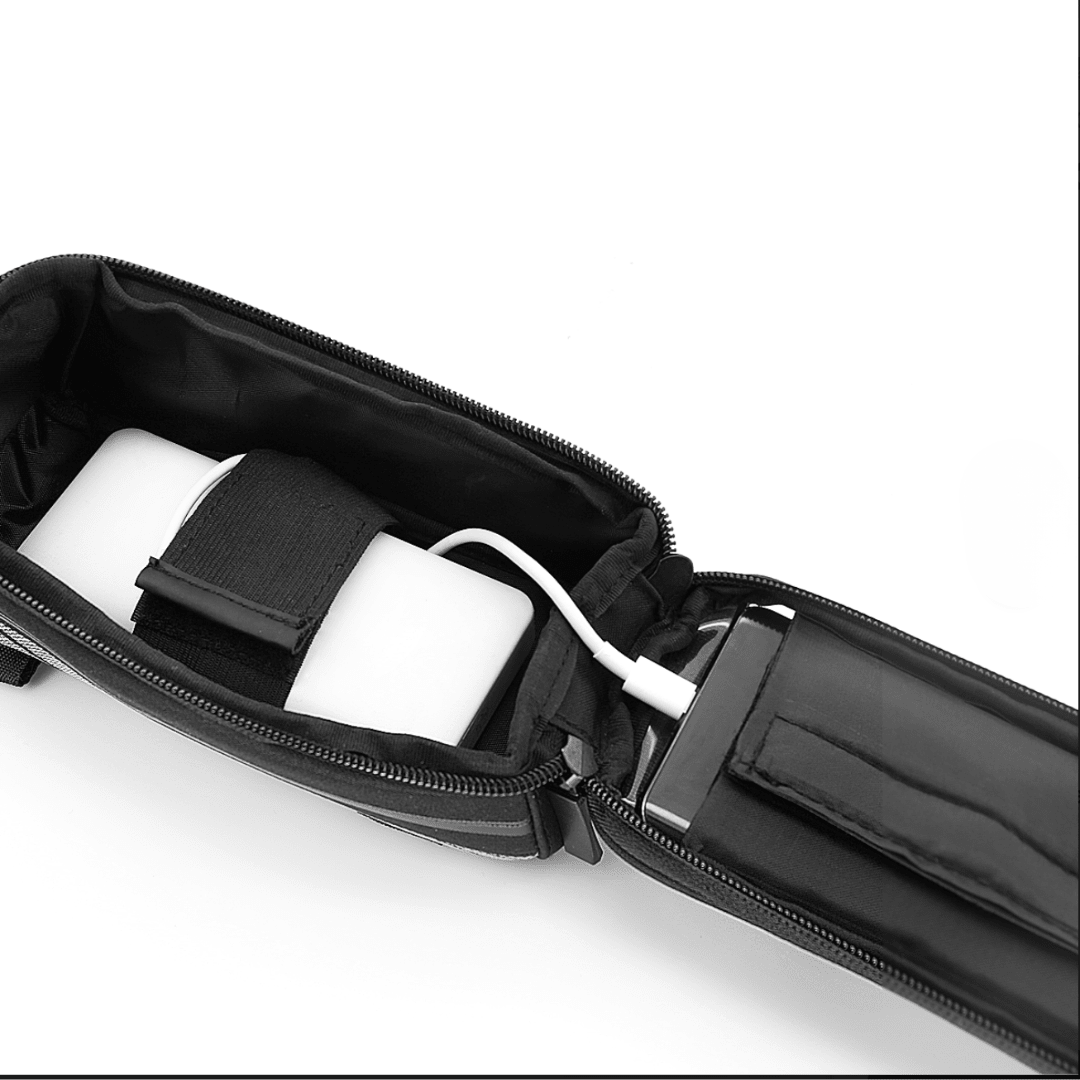
Beyond the phone window, the Pathfinder's generous main compartment sets it apart from smaller top tube bags. This is a bag designed for riders who actually need to carry things — not just a spare tube and a gel, but a full complement of ride essentials for a century ride, a bikepacking overnighter, or a long touring day. Tyre levers, a multi-tool, a repair kit, a power bank, energy bars, your wallet and keys all fit comfortably without straining the zip. The water-resistant outer fabric keeps everything dry through India's monsoon conditions, and the anti-slip Velcro mounting holds the bag completely stable even on the roughest terrain.
Key Features
- Touchscreen phone window — use Google Maps, Strava, and GPS apps without removing your phone or stopping: the single most useful feature for long rides and city commutes.
- Large-capacity main compartment — carries your phone, wallet, keys, tyre levers, repair kit, energy bars, mini pump, and power bank simultaneously.
- Weatherproof build — water-resistant fabric with reinforced stitching and a durable zip protects your phone and valuables from monsoon rain, road spray, mud, and dust.
- Anti-slip Velcro mounting — locks the bag firmly to the top tube with zero swing or bounce, even on rough MTB trails and potholed city roads.
- Universal fit — for MTBs, road bikes, gravel bikes, hybrid cycles, and touring bicycles of all frame sizes.
- Sits in your eyeline — your phone screen is visible at all times for navigation without looking down or reaching back.
- 6-month warranty and 15-day return policy.
What's in the Box
- 1 × NAC Pathfinder Top Tube Frame Bag
- Adjustable Velcro mounting straps (included)
Installation
Fitting the Pathfinder takes under three minutes with no tools required:
- Open the main compartment and locate the integrated mounting strap loops along the back panel.
- Thread the Velcro straps through the strap loops on the bag.
- Place the bag on the top tube, ensuring the phone window faces upward and toward you. Check that no brake or shift cables run through the strap path before securing.
- Wrap the straps firmly around the top tube and steertube at each mounting point, pressing the anti-slip backing panel flat against the frame.
- Fasten all Velcro closures tightly — the bag should have zero left-right movement when pushed.
- Slide your phone into the pocket beneath the transparent window, screen facing up. Open your navigation app before zipping the phone pocket closed.
- Load your remaining essentials into the main compartment and zip it securely before riding.
Tip: For the cleanest, most stable fit, route the mounting straps so they avoid all cables and hoses, and trim any excess strap length for a tidy finish.
Click here to view the detailed installation guide
Navigate without ever stopping. Free shipping on orders above ₹899.
Prefer a simpler bag without the phone window? See the T700 Top Tube Bag.
In case you have any queries, reach out to us on WhatsApp at +91 99875 97589


Frequently Asked Questions
Can I really use my phone through the touchscreen window?
Will my phone fit?
Is my phone protected from rain and sweat inside?
What's the best way to use Google Maps while cycling?
Pathfinder vs T700 — which top tube bag should I buy?